Download CollegeNearby
Free on Google Play. 18 MB, works on Android 7.0 and above. Get admission deadline alerts, saved college shortlists and one-tap WhatsApp login on your phone.
- Version
- 2.4.1
- Size
- 18 MB
- Price
- Free
Scan with your phone camera to open the Play Store listing
Install on Android
- 1Tap the Get it on Google Play button, or scan the QR code with your phone camera.
- 2On the Play Store listing, tap Install and wait for the download to finish.
- 3Open the app and enter your WhatsApp number.
- 4Enter the one-time password sent to that number.
- 5Choose your language and tell the app what you are looking for.
Install on iPhone (web app)
- 1Open collegenearby.com in Safari on your iPhone or iPad.
- 2Tap the Share button at the bottom of the screen.
- 3Scroll down and tap Add to Home Screen.
- 4Name it CollegeNearby and tap Add.
- 5Launch it from your home screen — it opens full screen, like an app.
Screenshots
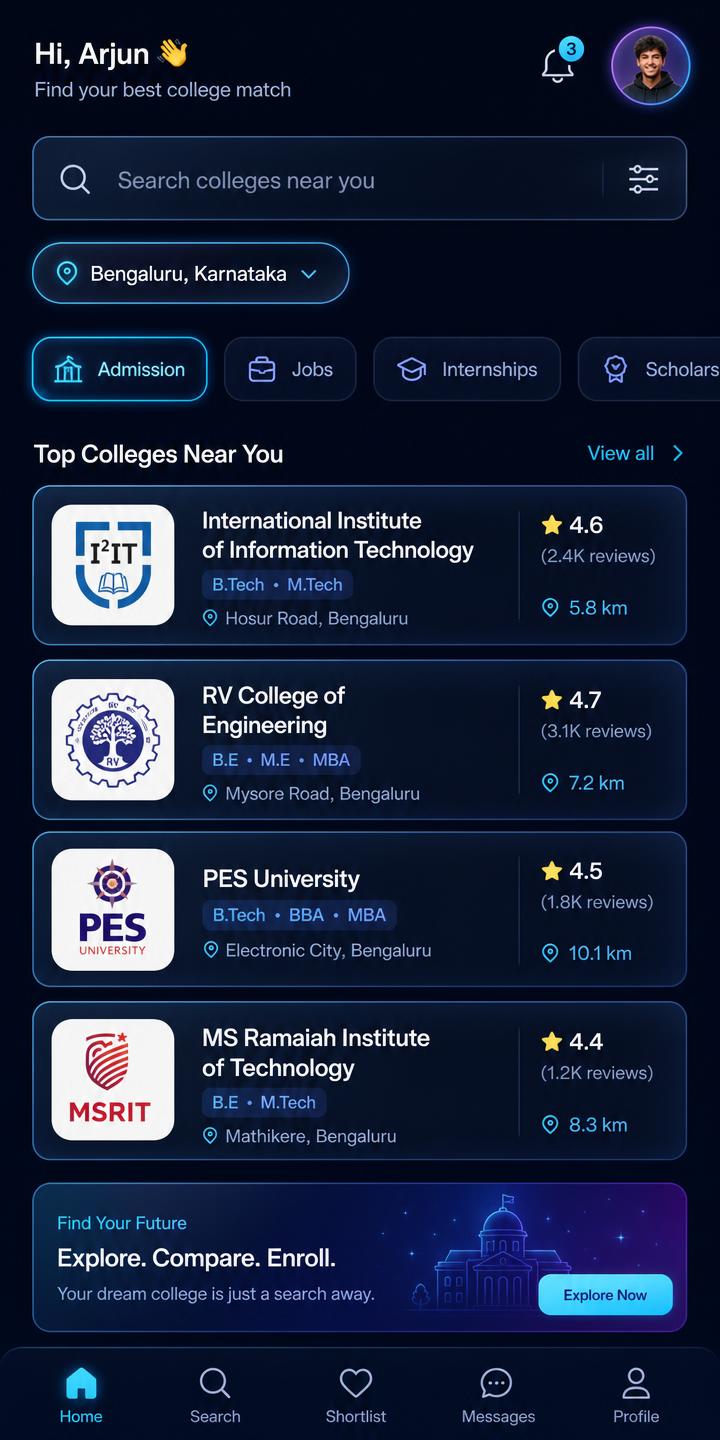
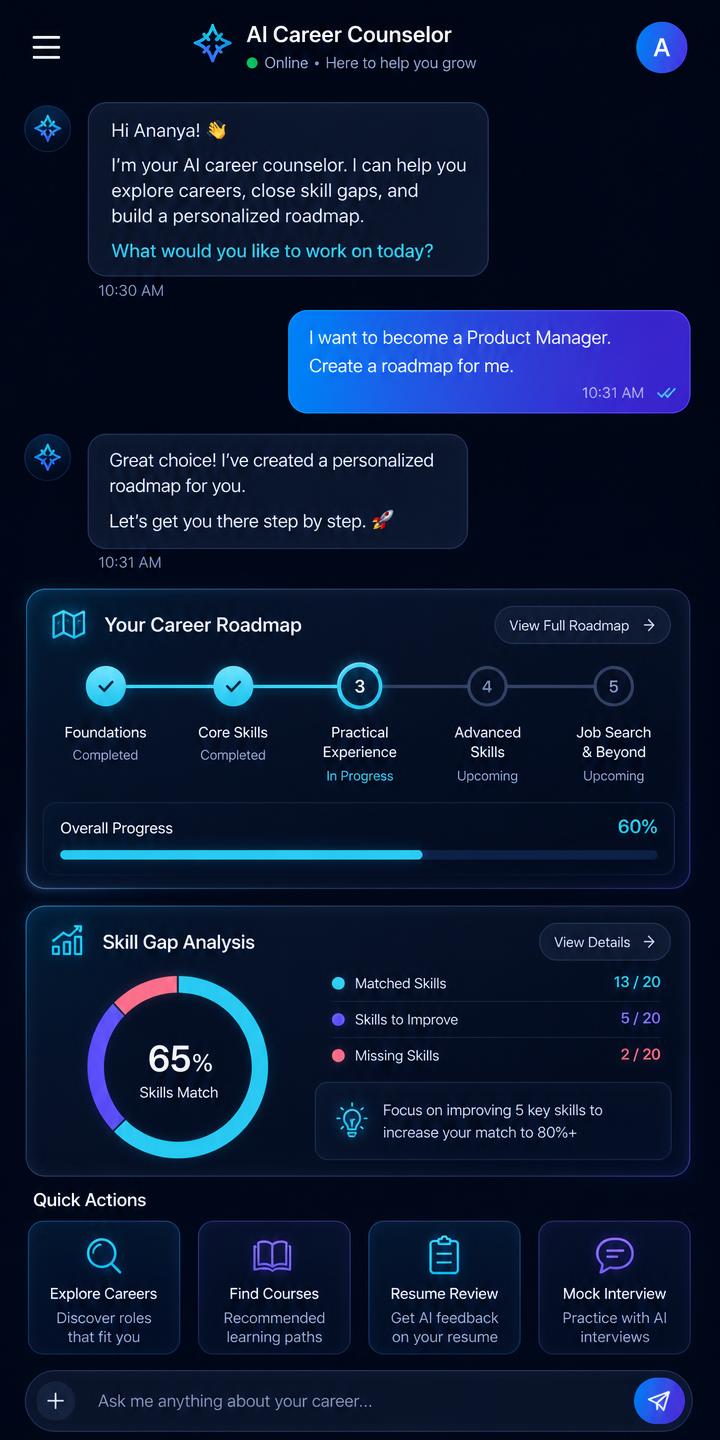
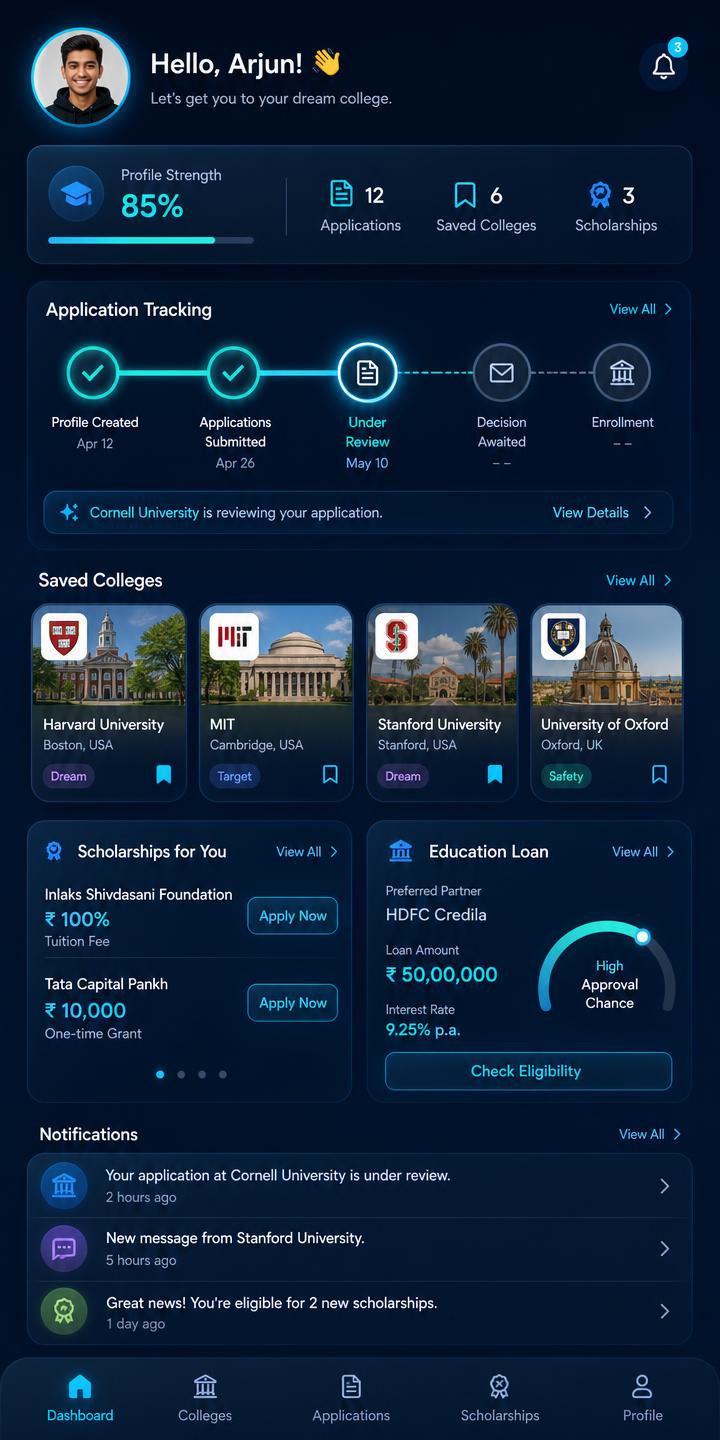
App permissions & privacy
- Location (optional): used only to sort colleges, jobs and hostels by distance. You can type a city instead and deny the permission.
- Notifications: used for admission deadlines, counselling dates and matching job alerts. Can be turned off in settings.
- Storage (optional): used when you upload marksheets or a resume, or download a generated document.
- Camera (optional): used only if you scan a document instead of uploading a file.
We never sell personal data. Your contact details reach an institute or employer only when you apply or request a call-back.